Omnimount
Your Mac finally reads every disk
Mount, write, format and clone ext4 and NTFS partitions from your menu bar. No kernel extensions, no lowering your Mac's security, no password prompts on every mount.
What it actually looks like
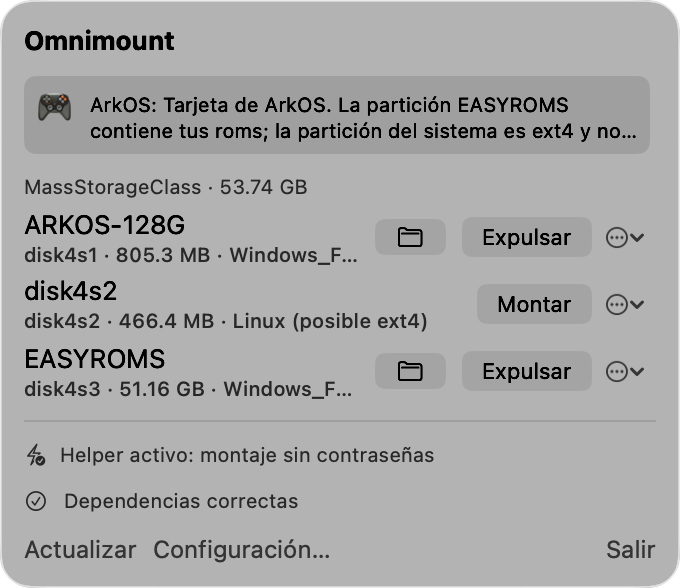
$ omnimount list
disk4 (53.74 GB) — MassStorageClass
  disk4s1  805.3 MB  FAT32 «ARKOS-128G»  montada
  disk4s2  466.4 MB  ext4 «STORAGE»  sin montar
  disk4s3  51.16 GB  FAT32 «EASYROMS»  sin montar
  🎮 Detectada tarjeta de ArkOS: EASYROMS contiene tus roms

$ sudo omnimount test disk4s2
1/4 Montando disk4s2 (ext4)…      Montado en /Volumes/STORAGE
2/4 Prueba de escritura…          Escritura y relectura correctas ✓
3/4 Desmontando…                  Desmontado ✓
4/4 Verificando con fsck…         Sistema de ficheros limpio ✓
Everything macOS refused to do for you
ext4, read and write
Mount ext2/3/4 partitions like any other volume: copy, edit and delete from Finder or the terminal.
NTFS with real write support
macOS only reads NTFS. Omnimount mounts it read-write with the reference open source driver.
No kext, no Recovery
No kernel extensions, no "reduced security". Install it and it works; your Mac stays untouched.
No password on every mount
A privileged helper, approved once. After that: mount and eject with one click, no dialogs.
Built for retro SD cards
Recognizes ArkOS, Batocera, ROCKNIX, muOS… and unhides their "hidden" FAT partitions with one command.
Clone and format
Back up the whole SD to .img with a progress bar, and format ext4/NTFS/FAT32/exFAT with double confirmation.
For much more than gaming
Windows drives
Write to your PC's external drive, your Bootcamp disk or the office USB stick — macOS only reads them; Omnimount writes too.
Raspberry Pi & servers
Edit your Pi's config.txt, inspect logs from a dead server or prepare a boot SD without leaving your Mac.
Data recovery
OMV and Linux-server drives mount directly — ext4 quotas included, fixed in one click. Rescue files from dead laptops, or clone fragile disks to .img first.
Retro consoles
ArkOS, Batocera, ROCKNIX, muOS… detects the firmware, unhides their partitions and manages roms and saves with backups.
Linux and macOS side by side
If you boot Linux on another machine or partition, share data between both worlds without FAT thumb drives in between.
Images & cards
Clone full SDs with progress, restore them, and format ext4, NTFS, FAT32 or exFAT with double confirmation.
Any disk, wherever it came from
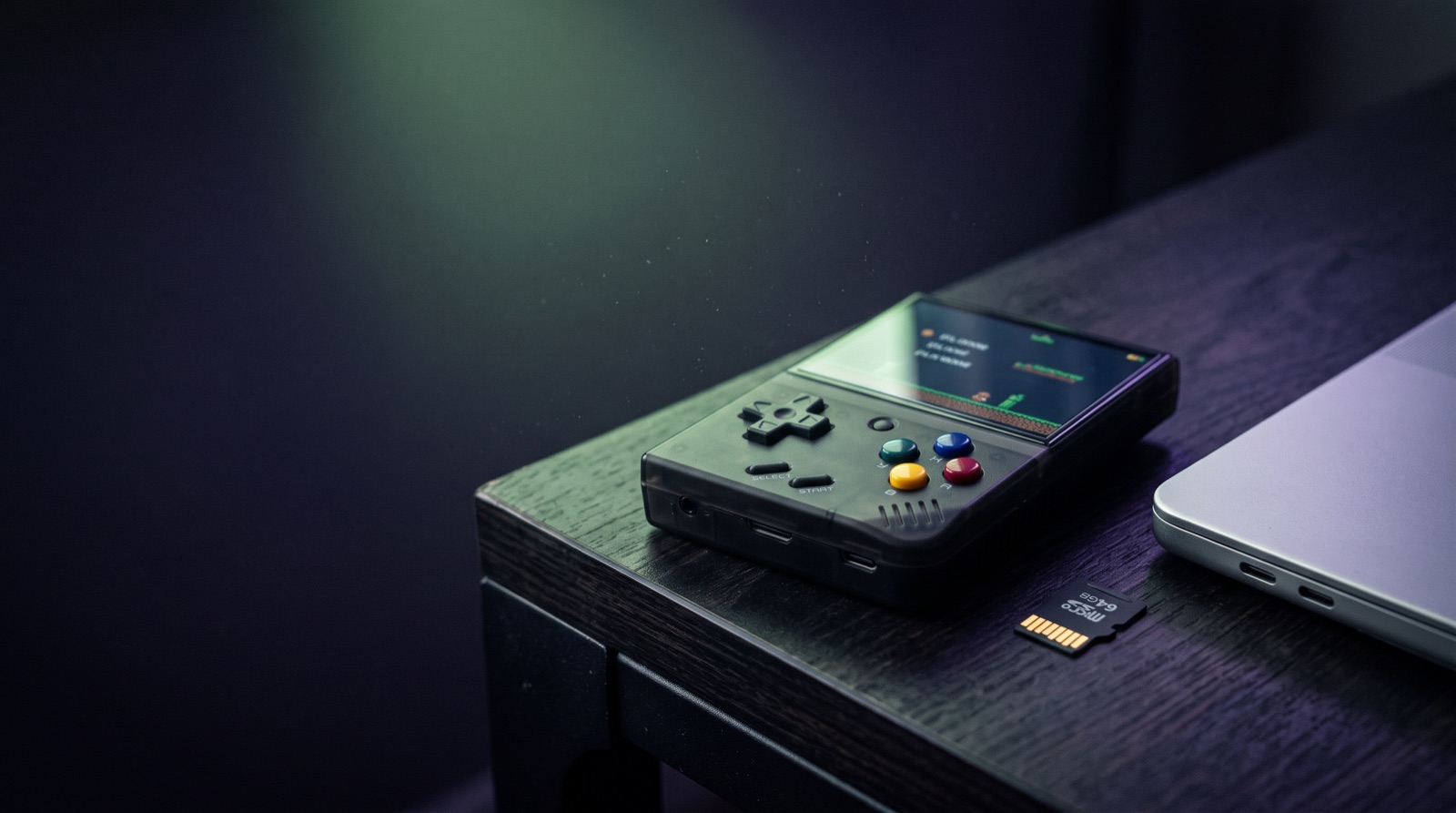
An NTFS drive from your PC, a Raspberry Pi SD card, a server's ext4 disk or your retro handheld's card: if it holds data, your Mac can now read and write it.
Two minutes, honestly
Install the .pkg
Double-click the notarized installer. App, CLI and helper land where they belong.
Follow the assistant
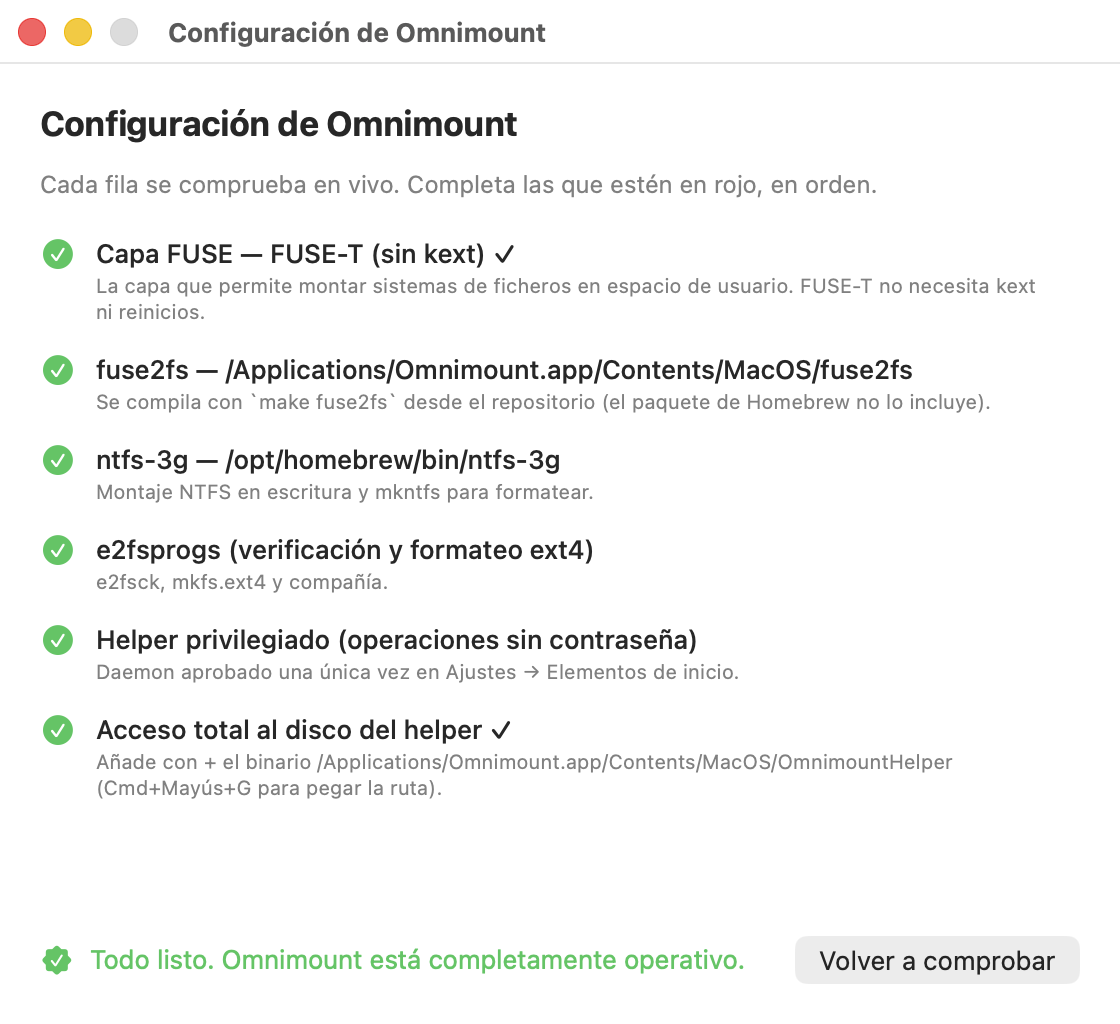
The app live-checks every dependency and permission, with a button to fix each pending step.
Plug in your disk
It shows up in the menu bar with its Mount button. That's it.
Pay for the convenience, not the code
Omnimount
- Installer signed and notarized by Apple
- ext4 and NTFS engines bundled — no Homebrew, nothing to compile
- Free 1.x updates
- Email support
Open source
- The exact same code, on GitHub
- Build it with `make install`
- No signed binaries or support
Frequently asked questions
Does it really leave my Mac's security alone?
Really. Omnimount uses FUSE-T, which runs in user space: no kernel extensions, no booting into Recovery, no "reduced security". You'll approve one background item and one Disk Access permission — same as any serious utility.
Why isn't it on the App Store?
The App Store sandbox forbids raw disk access — exactly what mounting ext4 requires. That's why it ships as an Apple-notarized installer: the same security screening, without the limitations.
Does it work with my ArkOS / Batocera / ROCKNIX card?
Yes — that's the flagship use case. Omnimount detects the firmware from partition labels, tells you which partition is which, unhides the "hidden" roms partition and lets you back up the whole card before touching anything.
What do I need?
macOS 13 or later. An Apple Silicon Mac (M1 or later). Intel Macs are NOT supported by the installer — the open source code may build on Intel, but it's unverified.
If it's open source, what am I buying?
Time. The paid version gives you the signed, notarized installer with everything bundled, plus updates and support. The GPL guarantees the code stays free forever: build it yourself, audit it, or contribute.
What if it doesn't work for me?
Write to us within 14 days of purchase and you get your money back, no questions asked.